Inserting and removing the Nano SIM card
Galaxy S25 Ultra
Inserting and removing the Nano SIM card
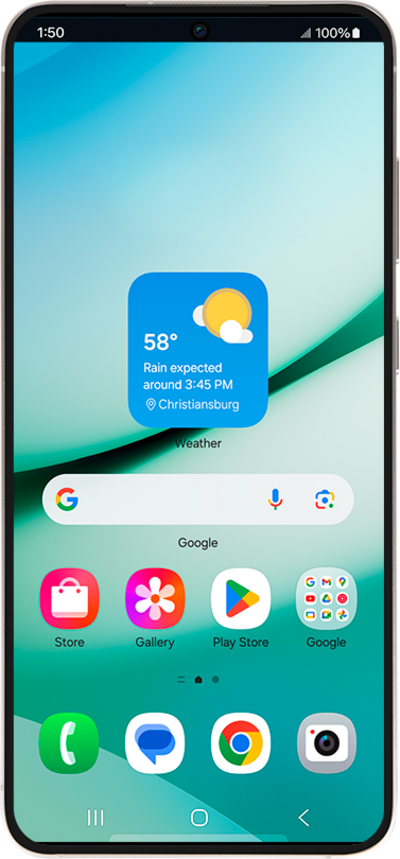
Follow along to learn how to insert and remove a SIM card from your device. Since your cellular service is activated through your SIM card, simply ejecting it and reinserting it may help resolve minor network and connectivity related issues.
1.
Locate the nano SIM card tray on the side of your device.
Depending on your device model, your SIM tray location may vary. For most models it can be found at the top or bottom edges of the device.
2.
Press the card insertion/removal tool into the nano SIM card tray pinhole and push in until the tray releases.
3.
Slide the nano SIM card tray out of its slot.
4.
Verify the SIM card is positioned securely in the tray, with the gold contacts facing outward.
5.
Press the nano SIM card tray back into its slot until it clicks, making sure it's secure.
6.
You've completed the steps!
