Resetting Wi-Fi and Bluetooth Settings
Galaxy Z Flip4 5G
Resetting Wi-Fi and Bluetooth Settings
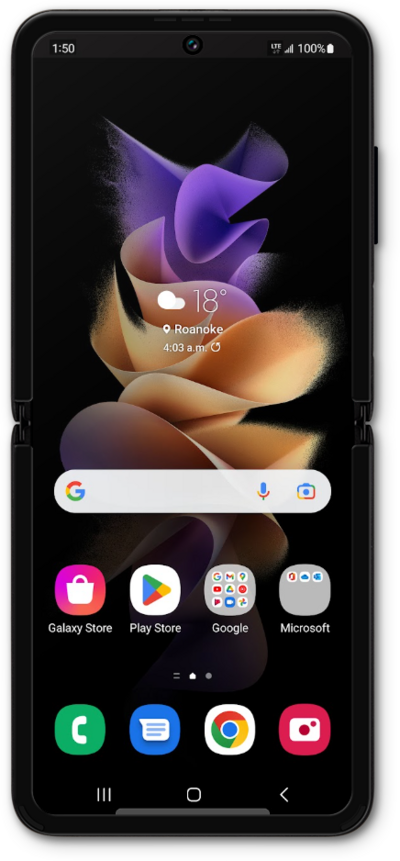
1.
From the Settings screen, scroll to General management.
2.
Tap General management.
3.
Scroll to and tap Reset.
4.
Tap Reset Wi-Fi and Bluetooth settings.
Resetting your Wi-Fi and Bluetooth settings will also clear all your saved network information, including passwords and paired devices.
5.
Tap Reset settings.
6.
You've completed the steps!
