Checking for and installing software updates
iPhone 11
Checking for and installing software updates

Software updates help ensure that your device is well maintained and is working as it should be. Checking for and installing software updates is a great troubleshooting step to check off your list as there may have been an update that helped resolve the issue you’re experiencing.
1.
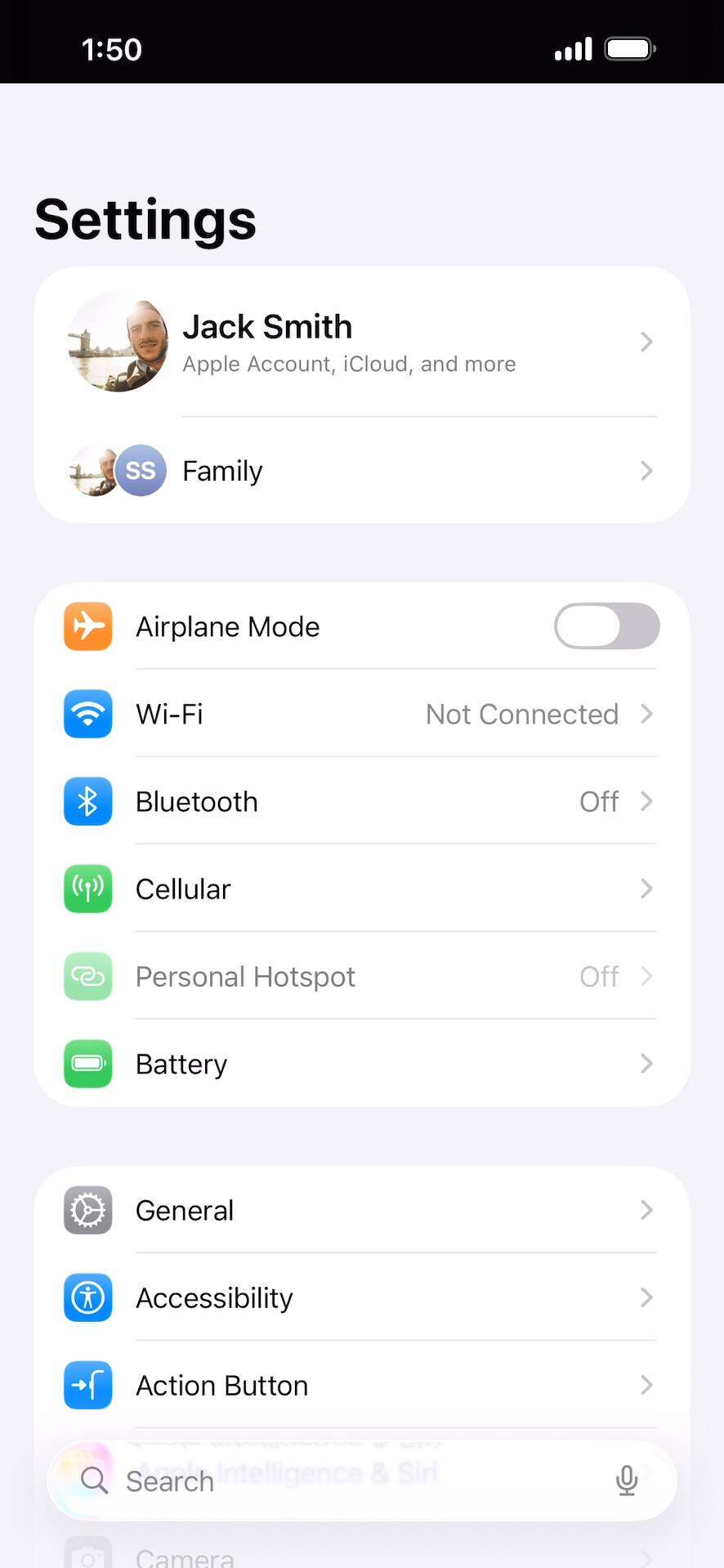
From within the Settings app, tap General.
2.
Tap Software Update.
3.
Tap Automatic Updates.
4.
In the iOS Updates section, tap or swipe Automatically Install to ON.
With this option enabled, your iPhone will automatically download updates and install them when your device is connected to Wi-Fi, charging, and locked. If you want your device to download updates but wait on your approval to install them, enable Automatically Download instead.
5.
You've completed the steps!