Inserting and removing the Nano SIM card
Inserting and removing the Nano SIM card
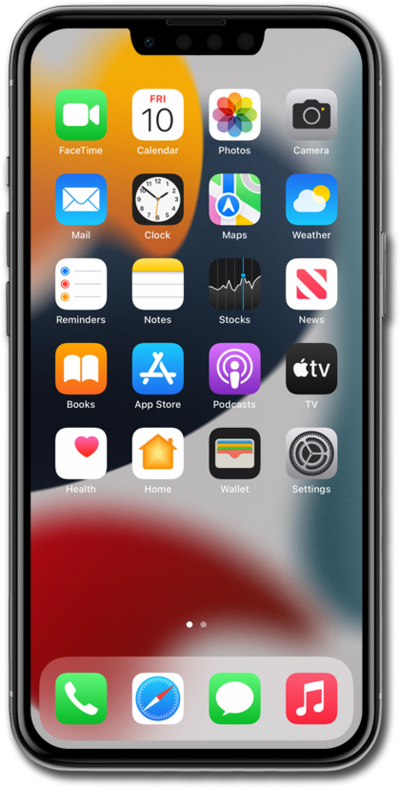
Locate the nano SIM card tray on the left or right side of your device.
For iPhone 12 models and later, the SIM tray will be located on the left side of your device. Whereas for iPhone 11 models and earlier, the SIM tray will be located on the right side of your device.
Press the card insertion/removal tool into the nano SIM card tray pinhole and push in until the tray releases.
Make sure you’re inserting your tool straight into the pinhole and not at an angle. Inserting your tool at an angle can prevent the SIM tray from ejecting properly.
Slide the nano SIM card tray out of its slot.
Insert or remove the nano SIM card into or from the tray.
When inserting, carefully line up the notched edge of the SIM card to the SIM tray's notch. Correctly aligning this notch will ensure a proper insertion takes place regardless of the iPhone model in use.
Push the nano SIM card tray back into iPhone.
You've completed the steps!
