Setting up your eSIM
Edge Plus 2023
Setting up your eSIM
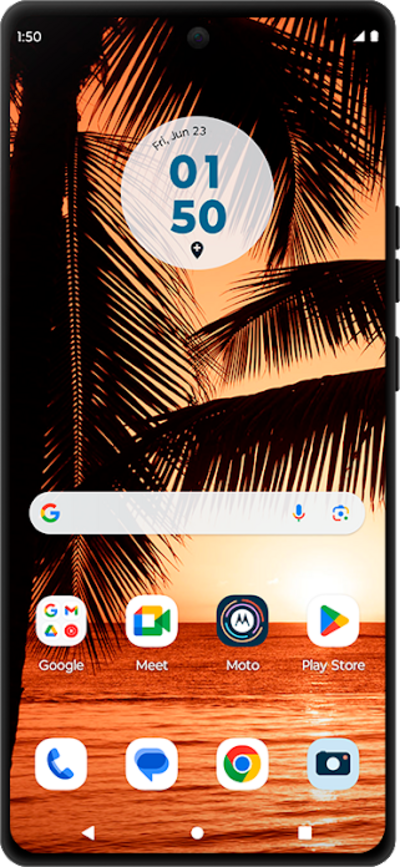
A guide to all the different ways you can set up an eSIM on your device.
1.
From the Settings app, tap Network & internet.
2.
Tap SIMs & mobile network
3.
Tap Download new SIM.
4.
Tap Set up an eSIM.
You may see a slightly different screen if your phone is already using an eSIM.
5.
Tap Set up.
6.
You've completed the steps!
