Setting up Voicemail
Motorola Edge 2025
Setting up Voicemail
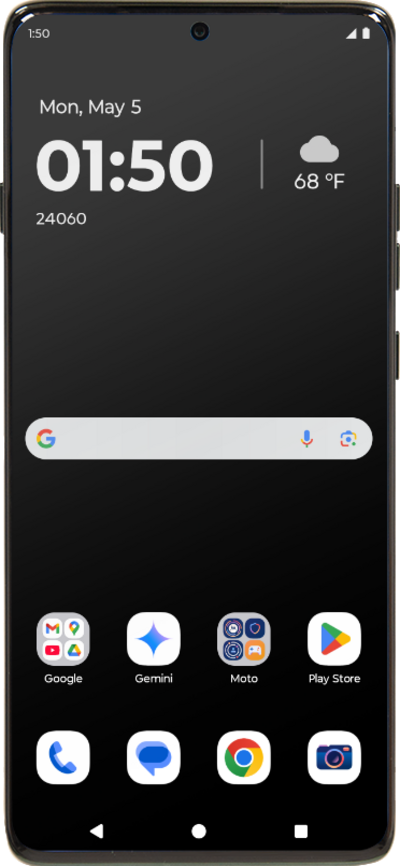
Learn how to set up Voicemail so that you can store messages from calls you missed. If your Voicemail Icon does not appear try restarting your phone.
1.
While in the Phone app, tap the Menu icon.
This tutorial steps through how to activate visual voicemail. This option may not be available, depending on your cellular plan.
2.
Tap Settings.
3.
Tap Voicemail.
4.
Tap or slide the Visual voicemail toggle to ON.
5.
Tap the Back icon.
6.
Tap the Back icon again.
7.
Tap Voicemail.
8.
You've completed the steps for turning Visual Voicemail on.
9.
While in the Phone app, tap the Dial pad icon.
This tutorial steps through how to record a Voicemail greeting.
10.
Tap and hold down the number 1 until the call starts, and follow the spoken prompts.
11.
You've completed the steps!
