Performing a factory reset
Galaxy Z Fold3 5G
Performing a factory reset
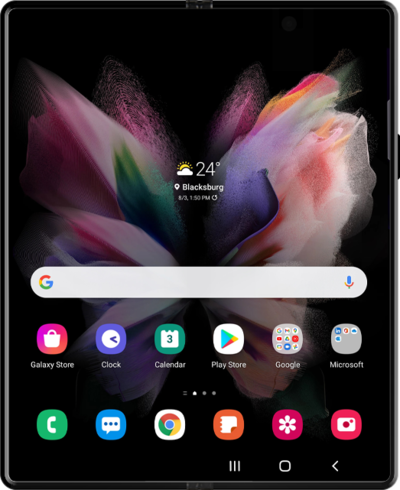
A factory reset will erase all data from your device and is irreversible. This is good to do if you are going to trade in or sell your device. It will wipe all of your personal information from the device.
1.
From the Settings app, scroll to and tap General management.
2.
Scroll to Reset.
3.
Tap Reset.
4.
Scroll to Factory data reset.
5.
Tap Factory data reset.
6.
Scroll to Reset.
7.
Tap Reset.
8.
Tap Delete all.
9.
You've completed the steps!
