Setting your volume levels with the volume panel
Galaxy Z Fold3 5G
Setting your volume levels with the volume panel
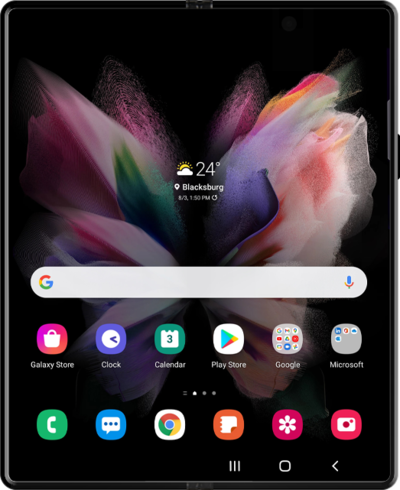
Learn how to adjust the volume of your device.
1.
Tap a Volume button on the side of your device.
2.
Tap the Menu icon.
3.
Select your preferences.
From this screen, you can switch media output and set volume levels for each media, calls, notifications, and more.
4.
You've completed the steps!
