Transferring your eSIM and phone number during initial setup
Galaxy S22 Ultra
Transferring your eSIM and phone number during initial setup
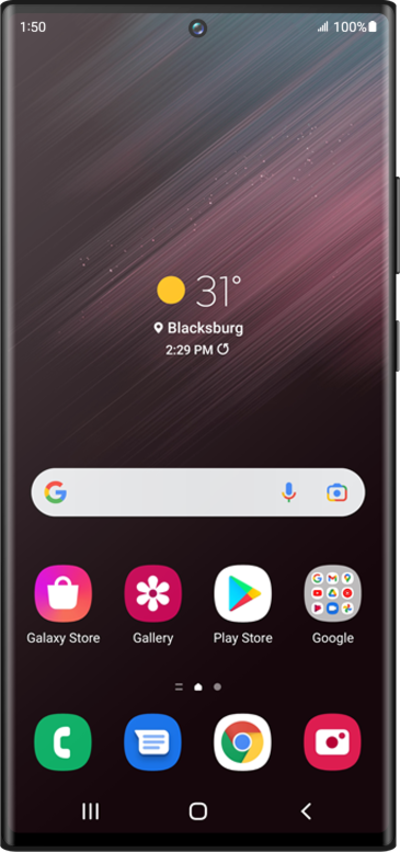
This tutorial guides you through the process of transferring your existing eSIM and phone number to a new device during its initial setup. Perfect for users switching phones or activating a new device, this step-by-step guide shows how to move your mobile service seamlessly as part of the setup flow.
1.
From the devices initial setup, on the Connect to a mobile network; tap Transfer SIM from Galaxy/Android phone.
2.
On your other device follow the on-screen prompts.
Make sure to enable a secure screen lock and are on the most recently released software version.
3.
On your other device enter the Verification code.
4.
Tap Transfer and follow the on-screen prompts on your other device to complete the transfer.
5.
You've completed the steps!
