Changing the ringtone
Galaxy A17 5G
Changing the ringtone
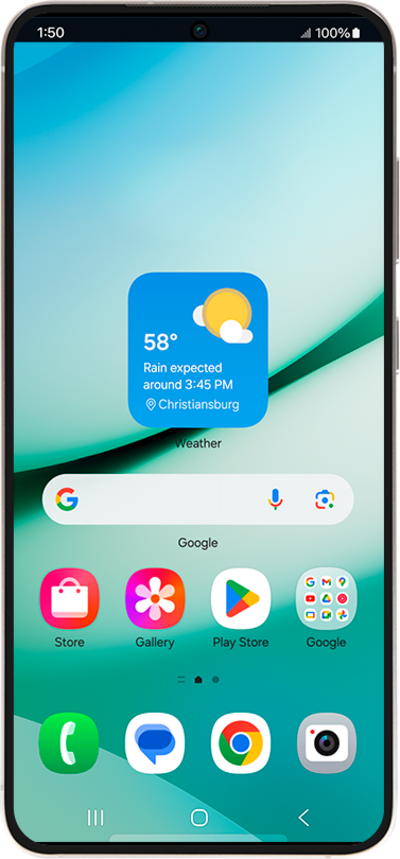
You can personalize the sound your device makes when you receive a phone call, email, or text message. Learn how you can change your default ringtone.
1.
From the Settings screen, tap Sounds and vibration.
2.
Tap Ringtone.
3.
Select the ringtone you'd like to use.
4.
Tap the Back icon to save your changes.
5.
You've completed the steps!
