Deleting texts and reporting spam
Galaxy A15 5G
Deleting texts and reporting spam
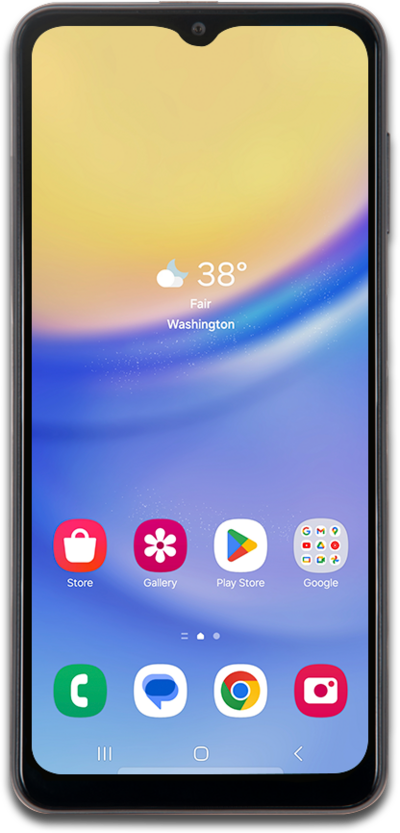
Learn how to remove a text from your device. Removing a text message from your device will not remove it from the device of your correspondents.
1.
From the Messaging app, select a conversation.
2.
Tap the Menu icon.
3.
To delete the text conversation, tap Delete and follow any on-screen prompts to complete the deletion.
You can delete individual messages by touching and holding each message you wish to delete and then tapping the Delete icon.
4.
To block the sender and report the message as spam, tap Block & report spam, then follow the on-screen prompts.
Another way to report spam is by forwarding the message to 7726 (SPAM), which directs it to your wireless provider’s spam reporting service.
5.
You've completed the steps!
