Enabling Quick settings instant access
Galaxy A16 5G
Enabling Quick settings instant access
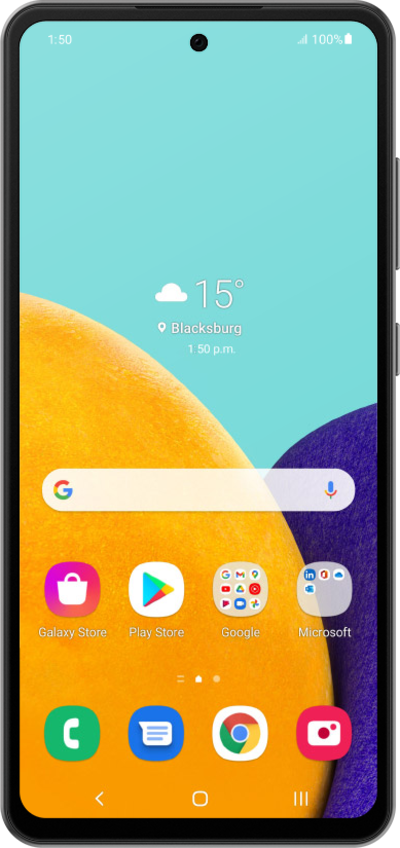
Learn how to enable a shortcut that allows you to access your quick settings panel by swiping down from the top right corner of your device's screen.
1.
From the Home screen, drag down the right side of your screen to open the Quick Settings panel.
2.
Tap the Edit icon.
3.
Tap Panel settings.
4.
Tap or slide the Quick panel on left side switch to ON.
5.
Tap the Home icon.
6.
To instantly reach Quick Settings from any screen, swipe down from the top left corner of the screen.
You can still open the Notification Panel by swiping down from other positions at the top of the screen.
7.
You've completed the steps!
