Enabling Offline Device Lock
Galaxy S24 FE
Enabling Offline Device Lock
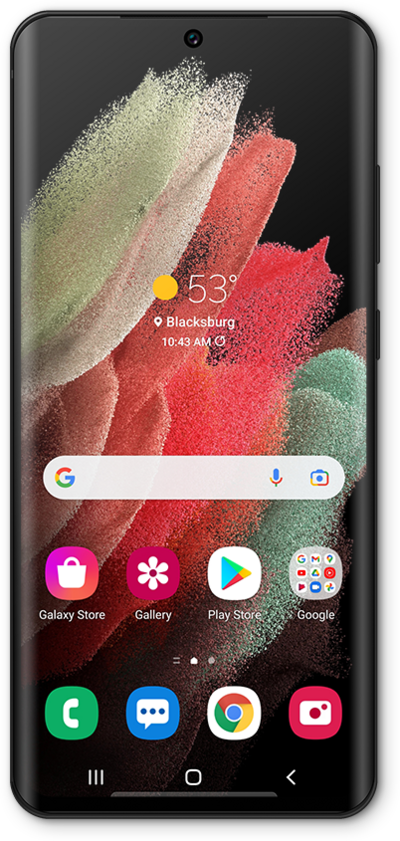
Learn how to enable the offline device lock feature. If your device has been stolen this feature automatically locks your screen to help protect your data even when your device is off the grid.
1.
From the Settings app, scroll to and tap Security and privacy.
2.
Tap Lost device protection.
3.
Tap Theft protection.
4.
Tap or slide the Offline device lock switch to ON.
The Offline device lock switch may not appear on your device if it has not been set up before. In that case, tap Offline device lock instead.
5.
Tap Turn on.
6.
You've completed the steps!
