Launching and using Google Gemini
Galaxy S24
Launching and using Google Gemini
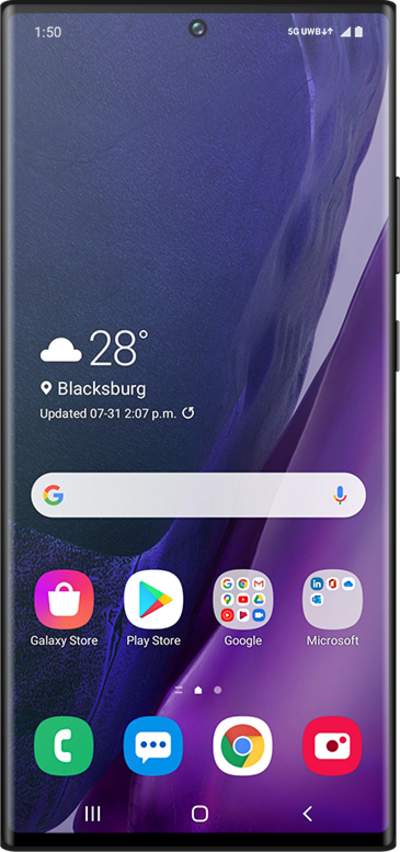
Whether you’re writing a quick message, catching up on articles, planning your day, or just looking for answers fast—Google Gemini is your smart assistant that helps you get it all done, right from your phone or tablet.
1.
Press and hold the Side button to launch Google Gemini.
Enable Voice wake-up in your device's settings to access Google Gemini Voice hands-free.
2.
Speak a command then release the Google Gemini button.
3.
You've completed the steps!
