Calling your voicemail inbox
Galaxy A54 5G
Calling your voicemail inbox
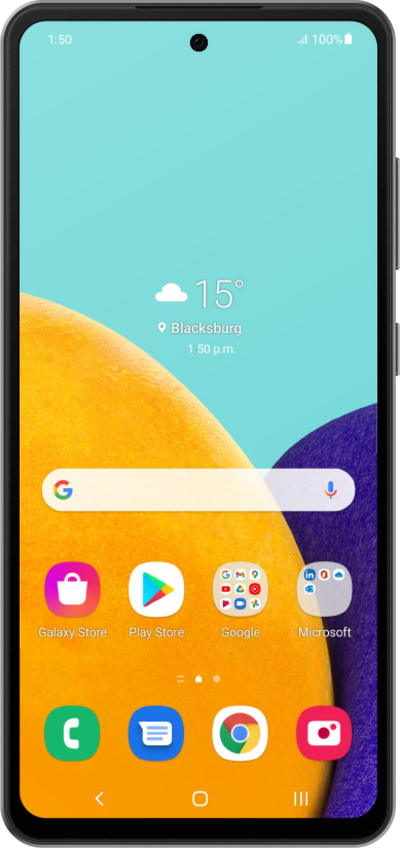
Follow along to learn how to easily call your voicemail inbox and listen to your messages.
1.
From the Phone app, touch and hold the Number 1 on the keypad to call your voicemail inbox.
You can also enter and call your voicemail number or your own mobile number to reach your inbox.
2.
Once connected, you will usually be taken to the "Main Menu." To listen to your messages, press the Number 1 on your keypad.
To access and change Personal Options like your PIN, press the Number 4 on your keypad.
3.
Follow along with the menu options to listen to your message.
Here are some common keys you can use while listening to your messages.
- 1: Replay or rewind the message.
- 5: Envelope Info (Hear the date, time, and caller's number).
- 7: Delete the current message.
- 9: Save the current message.
- #: Skip to the next message.
- *: Cancel or return to the Main Menu.
- 0: Help (Hear the options repeated).
4.
You've completed the steps!
