Managing Mobile Network and Data Roaming Settings
Managing Mobile Network and Data Roaming Settings
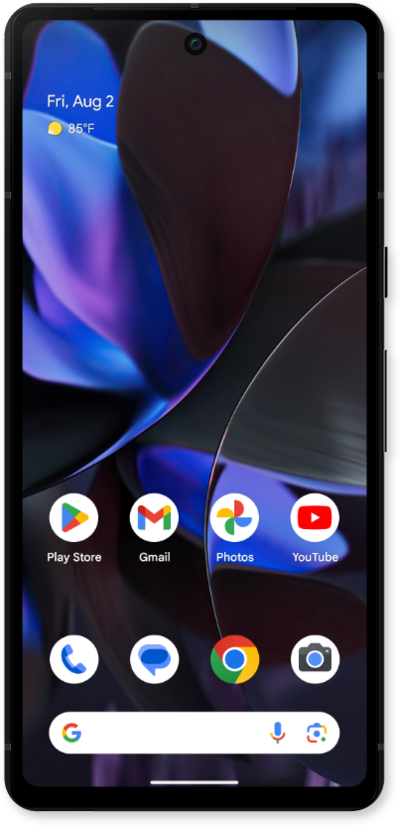
From within the Settings app, tap Network & internet.
Tap SIMs.
This tutorial explains how to turn data roaming on or off. Additionally, within the Mobile Network settings, you can change your preferred network type, add and edit access point names, and manually select a network by toggling off the Automatically select network toggle off."
Choose the SIM you'd like to change roaming settings for.
Scroll to and tap or slide the Roaming switch to ON.
Turning Data roaming on allows you to connect to data services while roaming. Turn Data roaming off to keep from incurring significant charges.
Tap OK.
Tap Preferred network type.
Select your preferred setting.
Depending on the age of your device, your available options may vary.
You've completed the steps!
