Changing your device's default language
Pixel 10a
Changing your device's default language
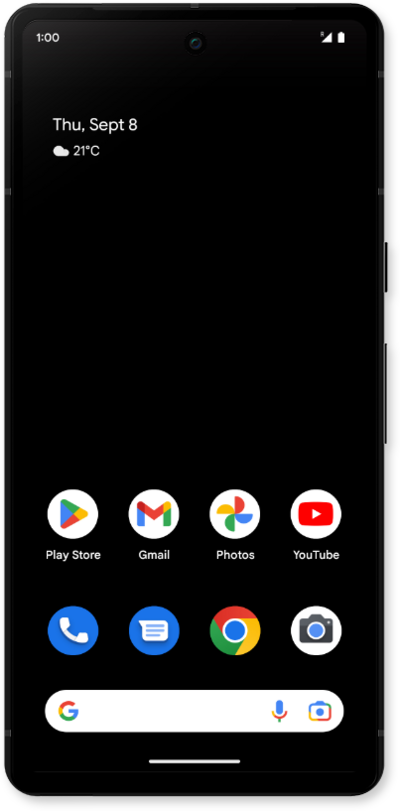
Follow these quick steps to update your default language settings.
1.
From the Settings app, scroll to and tap System.
2.
Tap Language & region.
3.
Tap Add a language.
4.
Scroll to and tap the language you'd like to use.
You may also need to select the region for your selected language.
5.
Tap the Menu icon.
6.
Tap Move up.
7.
Tap Change.
8.
You've completed the steps!
