Removing apps and widgets from the Home screen
Pixel 8a
Removing apps and widgets from the Home screen
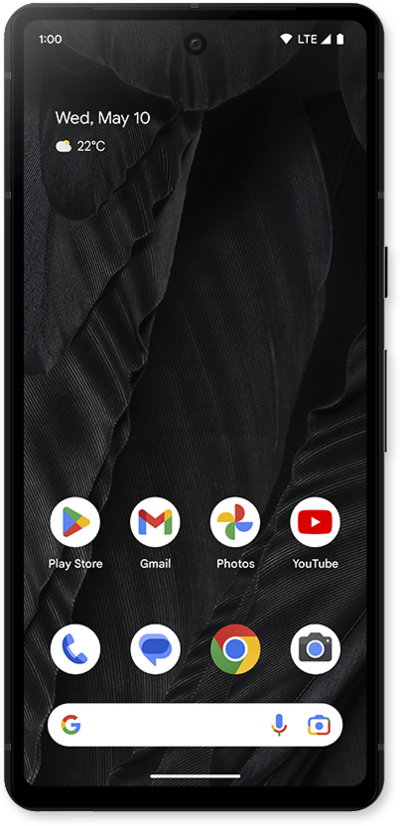
Remove unused widgets to free up room on the home screen of your device. Widgets can be added back later if needed.
1.
Touch and hold the widget you'd like to remove.
For this tutorial, we're removing a widget. The steps to remove an app are the same.
2.
Drag the widget to Remove.
3.
You've completed the steps!
