Setting up call forwarding
Pixel 10a
Setting up call forwarding
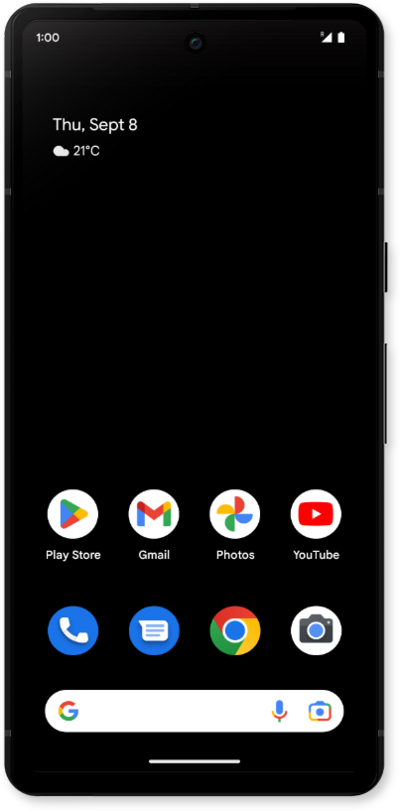
Set up call forwarding on your device to have incoming calls routed to another number. Depending on your device you may be able to route calls differently based on whether your line is busy or not.
1.
From the Phone app, tap the Sidebar icon.
2.
Tap Settings.
3.
Tap Calling accounts.
4.
Select a SIM to configure.
5.
Tap Call forwarding.
6.
Tap Always forward.
We’ll walk you through the Always forward option. However, several other call forwarding settings are also available. Here’s what each one does:
- Always forward: All incoming calls are automatically forwarded to your chosen number.
- When busy: Calls are forwarded if you're already on another call.
- When unanswered: Calls are forwarded if you don't answer after a few rings.
- When unreachable: Calls are forwarded when your phone is off, in airplane mode, or has no signal.
7.
Enter a phone number.
8.
Tap TURN ON.
When call forwarding is turned on, a phone receiver with an arrow will appear in the status bar.
9.
You've completed the steps!
