Setting up your second cellular plan with eSIM
Pixel 8
Setting up your second cellular plan with eSIM
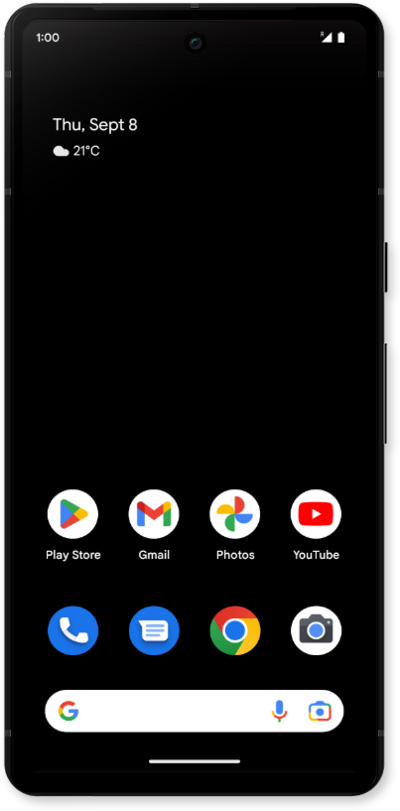
Adding a secondary eSIM alongside a physical SIM or eSIM allows you to quickly switch between two cellular plans and/or carriers for voice or data.
1.
From within the Settings app, tap Network & internet.
2.
Tap SIMs.
3.
Tap the Add SIM.
You may see a slightly different screen if your phone is already using an eSIM.
4.
Tap Set up an eSIM and follow the on-screen prompts.
5.
Tap or slide the added eSIM toggle to ON.
6.
Tap Get started.
7.
Tap Next.
From this screen you can labels for each of your sims.
8.
Tap Done.
From this screen, you can choose which SIM is used by default for calls, text messages, and mobile data. You can also enable Automatic data switching, which allows the device to switch SIMs based on coverage and availability.
9.
You've completed the steps!
