Setting up an eSIM using a QR Code or Activation Code
Pixel 10 Pro
Setting up an eSIM using a QR Code or Activation Code
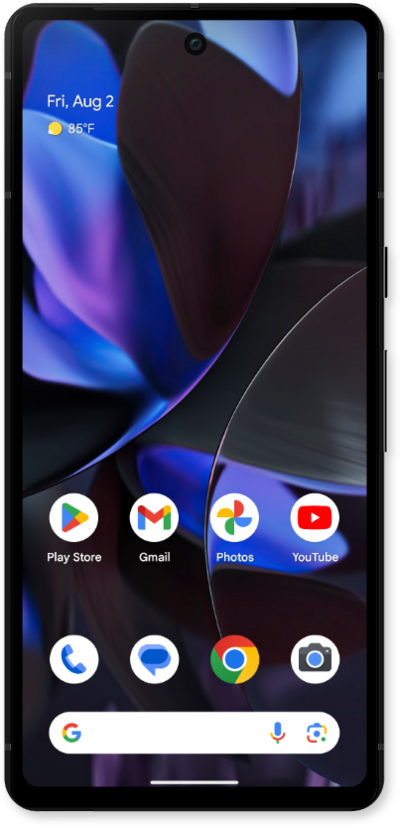
This tutorial guides you through the process of activating and setting up an eSIM on your smartphone using a QR code after the initial device setup has been completed. Whether you skipped eSIM activation during the initial setup or are switching carriers, this step-by-step guide will cover scanning your carrier-provided QR code and properly activating your eSIM.
1.
From the Settings app, tap Network & internet.
2.
Tap SIMs.
3.
Tap Set up an eSIM.
4.
Select your network.
5.
Scan the QR code with your device, or tap Try these troubleshooting steps then Enter activation code to enter your details manually.
If you choose to enter your details manually, your activation code is typically included near your QR code.
6.
Tap Set up.
7.
Tap Settings.
8.
You've completed the steps!
