How to erase an eSIM from your phone
Galaxy Z Fold4 5G
How to erase an eSIM from your phone
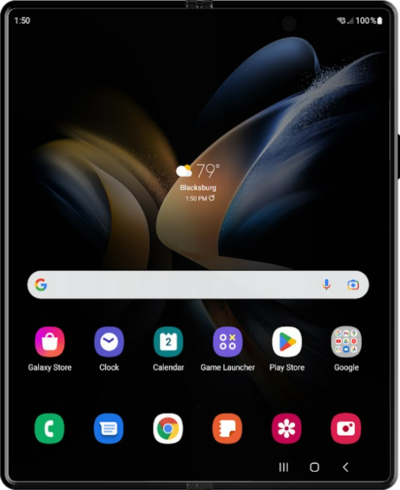
This tutorial will walk you through the process that should be followed when you’re attempting to delete a single eSIM from your phone. Following this process will remove the cellular plan from your phone that is associated with the eSIM being deleted, but the cellular plan will not be canceled.
1.
From the Connections tab in Settings, tap SIM manager.
2.
Select the eSIM you would like to remove.
Removing an eSIM does not cancel the plan. To cancel or change your plan, contact your carrier.
3.
Tap Remove.
4.
Tap Remove again.
5.
You've completed the steps!
