Adding and deleting Home screens
Verge 2 5G
Adding and deleting Home screens
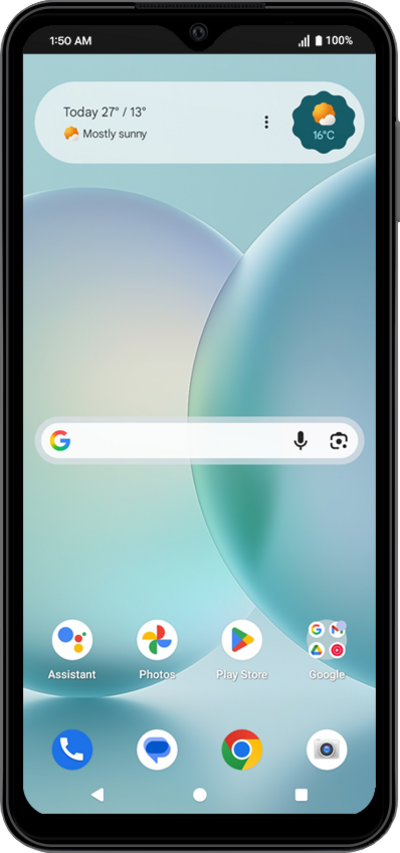
Learn how to create or remove homescreens to further personalize your device. New home screens can be used for widgets or apps. Change the home screen to best suit your needs.
1.
Touch and hold an app to add it to a new Home screen.
2.
Drag the app to a new Home screen.
3.
Release the app on the new Home screen to save your changes.
To remove a Home screen, remove all the apps from it.
4.
You've completed the steps!
