Resetting network settings
Verge 2 5G
Resetting network settings
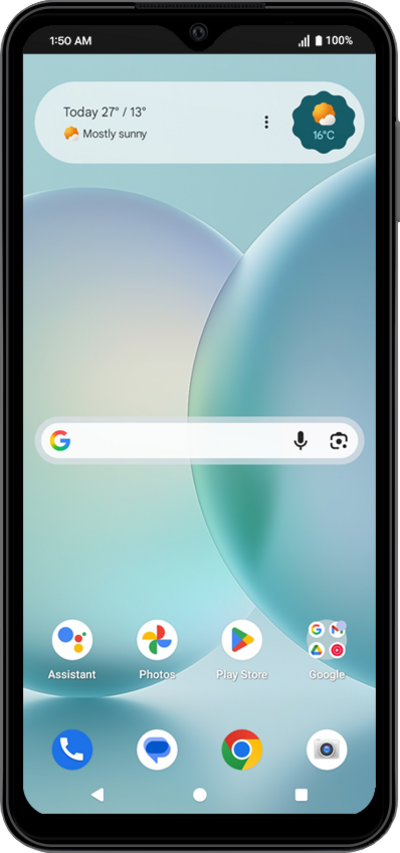
If you are having trouble connecting to the Internet you may need to reset your network connections. Resetting your network connections will disconnect any Bluetooth devices connected to your device and disconnect your device from any Wi-Fi networks it is connected to.
1.
From Settings, scroll to System.
2.
Tap System.
3.
Tap Reset options.
Resetting your network settings will reset all your Wi-Fi, cellular, and VPN settings.
4.
Tap Reset Bluetooth & Wi-Fi.
5.
Tap Reset.
6.
You've completed the steps!
