Unlocking the screen
iPad Pro (M5)
Unlocking the screen
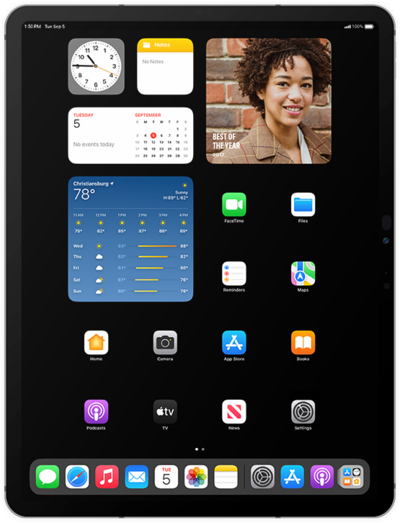
Unlock your device to interact with your apps. Screen locks secure your device and protect your device from being accessed by other people. Your device may automatically lock after a certain amount of time depending on your screen timeout settings. If your device is requesting a PUK Code, you need to contact your device provider to unlock it.
1.
Press the Top button to wake your iPad.
2.
Swipe up from the bottom of your screen to unlock your iPad.
If your device has a home button, press the Home button to unlock your iPad instead of swiping.
3.
You've completed the steps!
