Sharing your location and finding your iPhone using the Find My app
iPhone 17e
Sharing your location and finding your iPhone using the Find My app
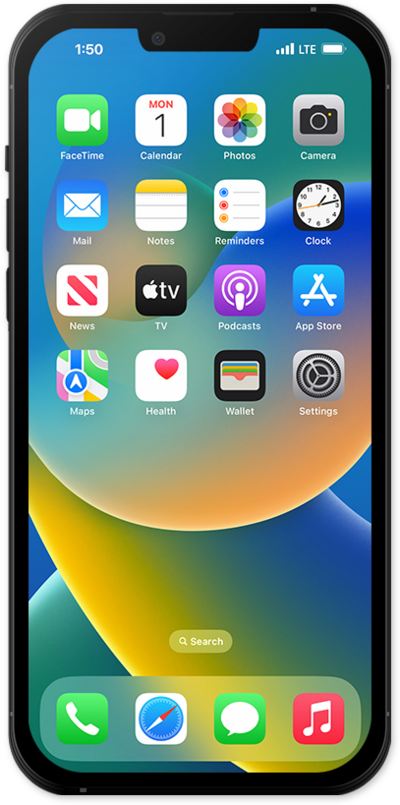
Learn how to turn on or off Find My iPhone or Find My iPad. This feature can be useful in case you lose your device but will need to be turned off to perform some actions. You should turn it off if you are selling your device.
1.
From the Find My app, tap the Add icon.
On your device you may need to tap Start Sharing Location.
2.
Tap Share My Location.
3.
In the text field, type who you want to share your location with.
You can also tap the Add icon to select a contact from you phone.
4.
Tap the Check Mark icon.
5.
Select how long you want to share your location.
6.
To find a device, tap Devices.
7.
Select the device you'd like to locate.
If the device is online, Find iPhone will show the approximate location. If the device is offline, you can set Find iPhone to notify you when it reconnects.
8.
Swipe up on the bottom menu.
9.
Tap Play Sound.
You can also set the device to Lost Mode or erase all the data.
10.
You've completed the steps!
