Switching LTE or 5G Voice and Data settings
Switching LTE or 5G Voice and Data settings
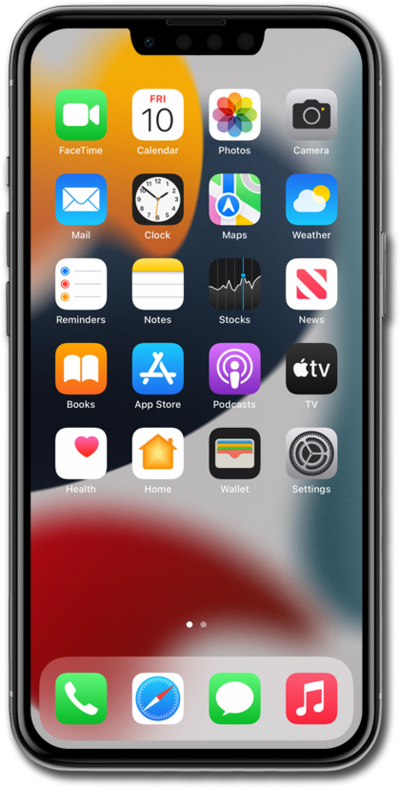
From within the Settings app, tap Cellular.
Cellular may instead be called Cellular Data or Mobile Data depending on your device.
Tap Cellular Data Options.
This tutorial will start with settings for 5G devices and networks. If your screen looks different, jump to Step 8 and continue on.
Within Cellular Data Options, tap Voice & Data.
From this screen, you can select your 5G preferences:
- 5G On - Prioritizes 5G connections whenever they’re available.
- 5G Auto - Defaults to 5G, but prioritizes LTE and saves battery life if your 5G connection is weak.
- LTE - Disables 5G connectivity entirely.
- 5G Standalone - Prioritizes 5G for all cellular activity, including network connections, whenever available.
- VoLTE: On earlier iPhone models, you may see a VoLTE setting. Turning it on allows you to make higher-quality voice calls using the 4G LTE data network. On most newer models, this is now enabled by default, so you won't see the option.
Tap the Back icon to save your changes and return to Cellular Data Options.
Tap Data Mode.
You can tap an option to encourage more 5G connectivity or limit automatic and background downloads on cellular connections or Wi-Fi.
For the next steps of this tutorial, we will be using a device without 5G capabilities.
Within Cellular Data Options on a non-5G device or network, these options will be available instead.
You've completed the steps!
