Changing FaceTime settings
iPhone 17 Pro
Changing FaceTime settings
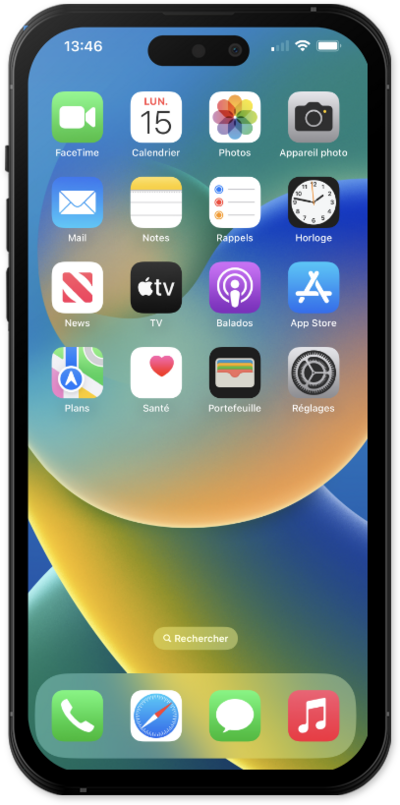
Discover how to change your FaceTime settings. You can manage your FaceTime caller ID, blocked contacts, and other FaceTime preferences.
1.
From within the Settings app, scroll to and tap Apps.
2.
Scroll to and tap FaceTime.
3.
From this screen, you can manage your FaceTime preferences in various ways:
- Caller ID - Select the number or email address that appears when you call someone via Facetime.
- SharePlay - Enable this option to watch shows, listen to music, or use other apps together with people in your contacts.
- Automatic Prominence - With this feature, the tile of the person currently speaking will be enlarged during a group Facetime. Enable or disable Automatic Prominence by selecting the "Speaking" toggle under it.
- Blocked Contacts - From this screen, you can add and remove blocked contacts. Contacts you block will be unable to text or call you.
4.
You've completed the steps!
