Turning on and managing your personal hotspot's settings
iPhone 11 Pro Max
Turning on and managing your personal hotspot's settings
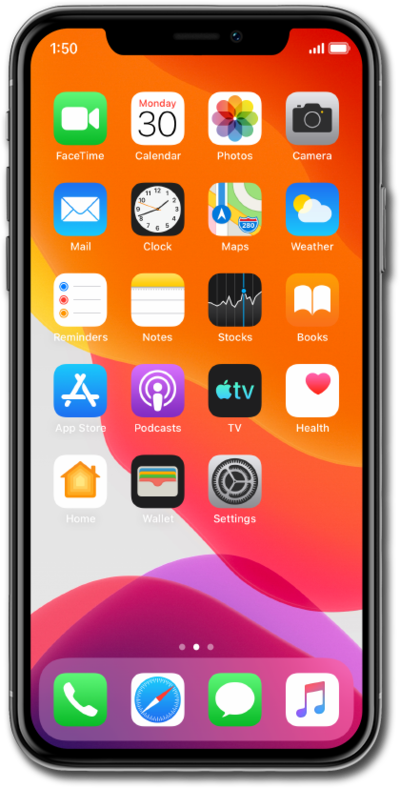
Enabling Personal Hotspot on your device allows you to share your cellular connection with other devices through Wi-Fi. Follow along with this tutorial to learn how to enable your Personal Hotspot.
1.
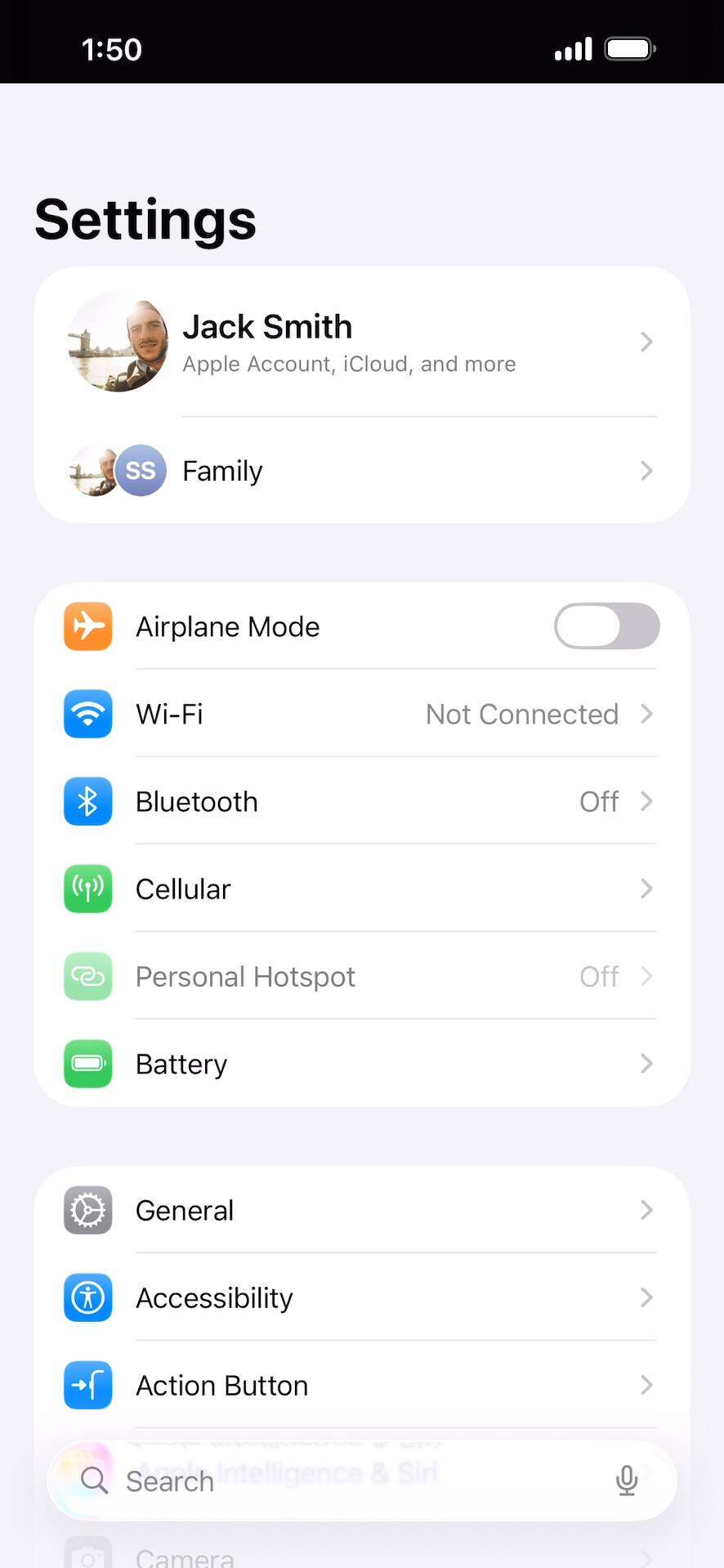
Within the Settings app, tap Cellular.
2.
Tap Personal Hotspot.
Your device may say "Set up Personal hotspot". Personal Hotspot is not included on all cellular plans; you may need to contact your carrier for setup instructions.
3.
Tap or slide the Allow Others to Join switch to ON.
From this screen, you can also edit your personal hotspot password.
4.
You've completed the steps!