Turning on Live Voicemail
iPhone SE (2nd generation)
Turning on Live Voicemail
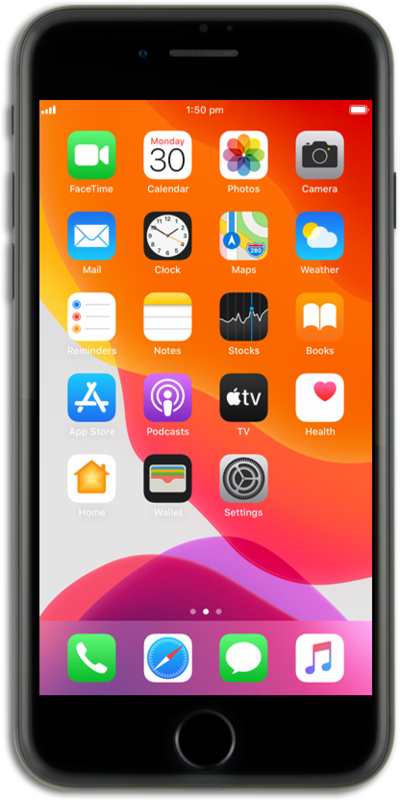
Live Voicemail displays the caller's spoken words on the screen in real time. The feature is helpful when you're uncertain about whether to answer a call or not, as it allows you to preview the message and screen the call before making a decision.
1.
From the Settings app, scroll to and tap Apps.
2.
Scroll to and tap Phone.
3.
Scroll to Live Voicemail.
4.
Tap or slide the Live Voicemail switch to ON.
5.
You've completed the steps!
