Using Assistive Access to Simplify your iPhone’s Features
iPhone 17 Pro Max
Using Assistive Access to Simplify your iPhone’s Features
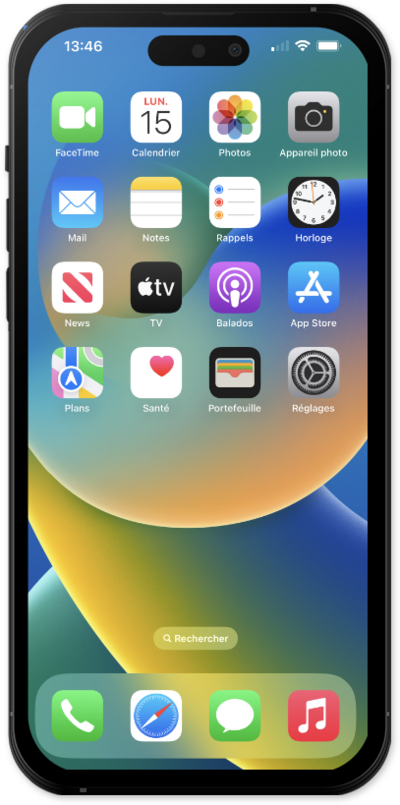
Assistive Access is designed to provide you with a simpler user experience and make your device easier to use. Learn how to use Assistive Access to simplify your device's features.
1.
From the Settings app, tap Accessibility.
2.
Scroll to and tap Assistive Access.
3.
Tap Set Up Assistive Access.
4.
Tap Continue.
5.
Tap Continue again.
6.
Select your appearance option and tap Continue.
7.
Select the app you would like to have optimized.
8.
Choose your preferences for the app and tap Continue.
9.
Tap Continue again.
10.
Tap Continue again.
11.
Tap Continue again.
12.
Enter a passcode to use with Assistive Access.
You will need this code to disable Assistive Access when it's active.
13.
Confirm your Assistive Access passcode.
14.
Tap Not Now.
15.
Tap Continue.
16.
Tap Start Using Assistive Access.
17.
Enter a passcode.
To exit Assistive Access, press the power button three times, then enter the passcode you created during the setup.
18.
You've completed the steps!
