Adding a personal email account
iPad Pro (M5)
Adding a personal email account
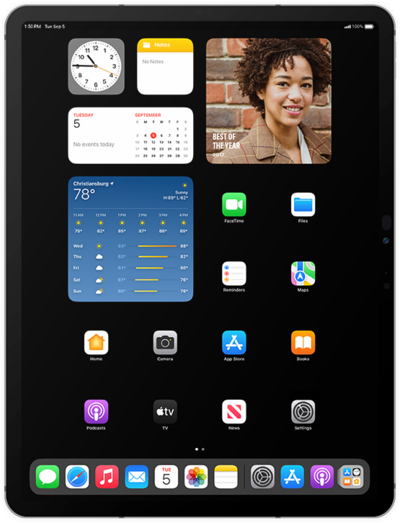
Set up your personal email account on your device so that you can access your email messages, send new emails and more. You can have mutliple email accounts on your device.
1.
From within the Settings app, scroll to and tap Apps.
2.
Scroll to and tap Mail.
3.
Tap Mail Accounts.
4.
Tap Add Account.
5.
Enter your email address, and tap Next.
6.
Tap Add Other Account....
In this tutorial, we're entering a Mail.com account. However, you should select whichever email provider you use. The steps are essentially the same, but you may encounter minor variations based on the chosen email provider.
7.
Tap Mail Account.
8.
Enter your information, then tap Next.
9.
Tap POP.
10.
Enter your information, then tap Save.
You may need to contact your IT professional to obtain this information.
11.
You've completed the steps!
