Sending an email with an attachment
iPad Pro (M5)
Sending an email with an attachment
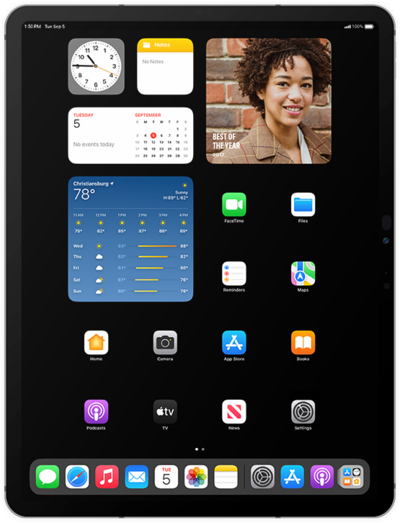
Learn how you can attach pictures, videos, etc. to emails when sending an email with your device. By attaching files to your email, you can share photos by email to your contacts.
1.
From within the Mail app, tap the Compose icon.
2.
Enter a contact's name.
3.
Select the contact.
4.
Tap the Subject field.
5.
Enter a subject.
6.
Tap the Return key.
7.
Compose your message.
8.
Tap the Attachment icon.
9.
Select Photo Library.
For this tutorial, we're selecting an image file. You can choose other types of attachments to send with an email, but steps may vary slightly based on what type of file you choose.
10.
Select a photo.
11.
Tap the Checkmark icon.
12.
Tap the Send icon.
13.
You've completed the steps!
