Managing your email account settings
iPad Pro 11-inch (4th generation)
Managing your email account settings
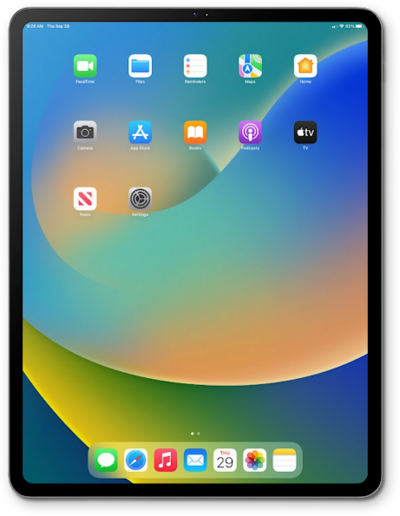
When you set up an email account on your device, it may also sync your contacts or your calendar to your device. You can change those settings to only sync the data from the account that you want on the device.
1.
From within the Settings app, scroll to and tap Apps.
2.
Scroll to and tap Mail.
3.
Tap Mail Accounts.
4.
Select an account.
5.
From this screen, you can perform a variety of actions:
Note:
- Sync Account Contacts - You can sync your contacts with your account.
- Delete Account - You can delete your account from this device.
- Sync Account Notes - You can sync any notes you have created with your account.
6.
You've completed the steps!
