Setting up Apple Pay
iPad 10th Generation
Setting up Apple Pay
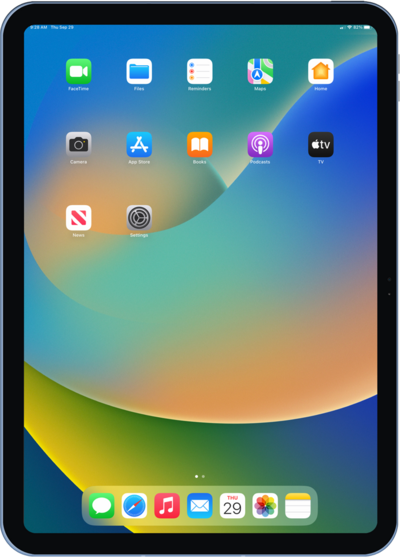
Discover how to set up Apple Pay on your compatible iOS device. Once set up, you can make payments directly from your iPhone or Apple Watch.
1.
From within the Settings app, scroll to and tap Wallet & Apple Pay.
2.
Tap Add Card.
3.
Tap Debit or Credit Card.
4.
Tap Continue.
After this step, follow the prompts to set up your payment method with your camera or entering card details manually.
5.
You've completed the steps!
