Set your default SIM for calls, texts, and cellular data
iPhone 17 Pro Max
Set your default SIM for calls, texts, and cellular data
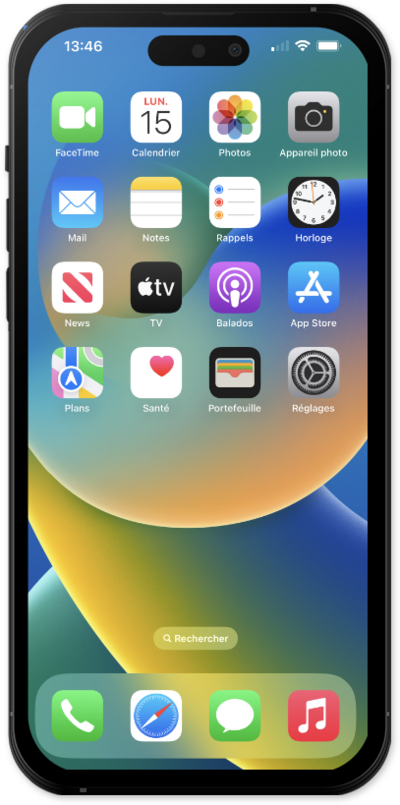
Discover how to configure your phone's default SIM settings. This guide covers selecting your primary SIM for making calls, sending texts, and accessing cellular data, streamlining your dual-SIM experience.
1.
Within the Settings app, tap Cellular.
CELLULAR may be called CELLULAR DATA or MOBILE DATA depending on your device.
2.
To set the default line for cellular data, tap Cellular Data. On the following screen, tap the line you want to use.
3.
To set the default line for calls and texts, tap Default Voice Line. On the following screen, tap the line you want to use.
4.
For more granular control over each line, tap the line you want to manage.
5.
From here, you can manage settings such as:
- Turn the line on or off — disable a line entirely without removing it.
- Rename the line — give it a custom label (e.g. "Personal" or "Work") so it's easier to identify across the Phone, Messages, and Contacts apps.
- View the associated phone number — confirm which number is tied to that line.
- Set up Wi-Fi Calling — make and receive calls over a Wi-Fi connection when cellular coverage is poor (availability depends on your carrier).
- Enable calls on other devices — allow other Apple devices signed in to your Apple ID to use this line for calls.
- Configure a SIM PIN — add an extra layer of security to the line.
6.
You've completed the steps!
