Forcing iCloud to sync text messages on your iPhone
iPhone 16 Pro Max
Forcing iCloud to sync text messages on your iPhone
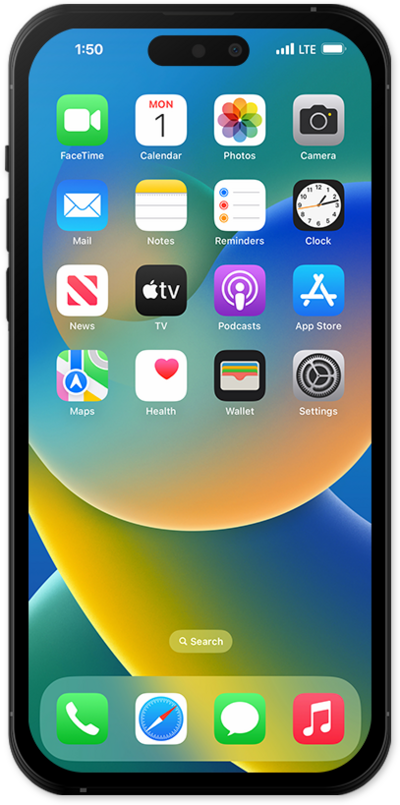
Force sync messages from your iPhone to your iCloud to back up your messages.
1.
From the Settings app, tap your Apple ID profile.
2.
Tap iCloud.
3.
Tap See All.
4.
Tap Messages in iCloud.
5.
Tap or slide the Use on this iPhone switch to ON.
6.
Tap Sync Now.
Here you can see the total amount of storage that messages are taking up, the number of messages synced to iCloud, and the time of the last sync.
7.
You've completed the steps!
