Turning Do Not Disturb on and off
iPhone 16 Pro
Turning Do Not Disturb on and off
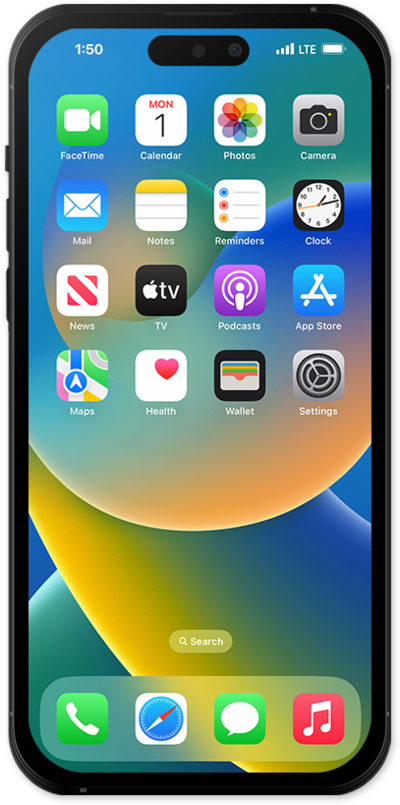
Do Not Disturb (DND) allows users to silence incoming calls and notifications temporarily, sending them directly to voicemail or marking them as missed.
1.
From the Home screen, drag down from the top right portion of your screen.
If your device has a Home button, swipe up from the bottom of your screen to access the Control Center.
2.
Tap Focus.
The Focus option in Control Center will reflect the most recent Focus used. If Do Not Disturb is the latest-used Focus for your device, simply tap the Moon icon to turn it on.
3.
Tap Do Not Disturb.
4.
Tap Do Not Disturb again to turn off Do Not Disturb.
5.
You've completed the steps!
