Editing your voicemail greeting
iPhone 13 Pro Max
Editing your voicemail greeting
1.
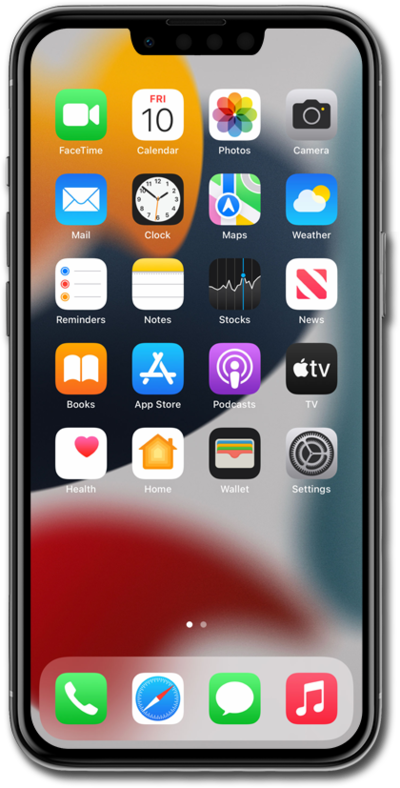
From the Phone app, tap Calls.
2.
Tap the Menu icon.
3.
Tap Voicemail.
4.
Tap Edit.
5.
Tap Edit Voicemail Greeting.
6.
Tap Custom.
After this step, tap Record to begin recording your voicemail greeting, and tap Stop when you're finished.
7.
You've completed the steps!
