Hiding or locking an app
iPhone 17 Pro Max
Hiding or locking an app
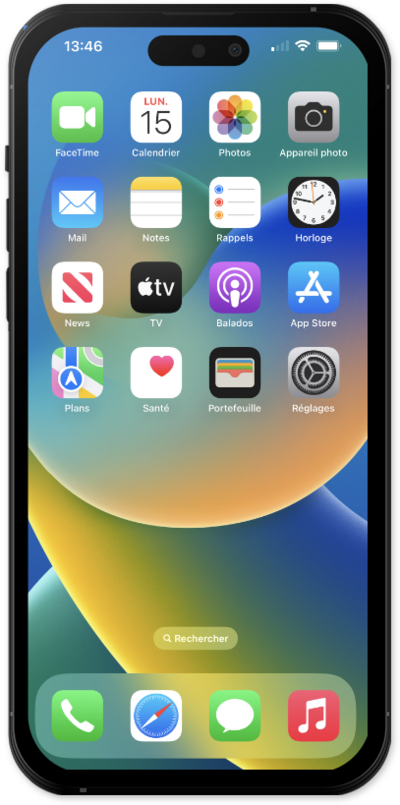
Hide or lock individual apps in order for more personalized privacy.
1.
From the Home screen, touch and hold an app icon to open shortcuts and edit options for it.
2.
Tap Require Face ID.
If Face ID is not set up, you can use a passcode instead.
3.
Tap Hide and Require Face ID.
Alternative you can tap Require Face ID to lock the app without hiding it.
4.
Tap Hide App.
5.
From the Home screen, swipe to the App library to view your hidden app folder.
6.
You've completed the steps!
