Using the Clean Up tool to remove background objects from images
iPhone 17 Pro
Using the Clean Up tool to remove background objects from images
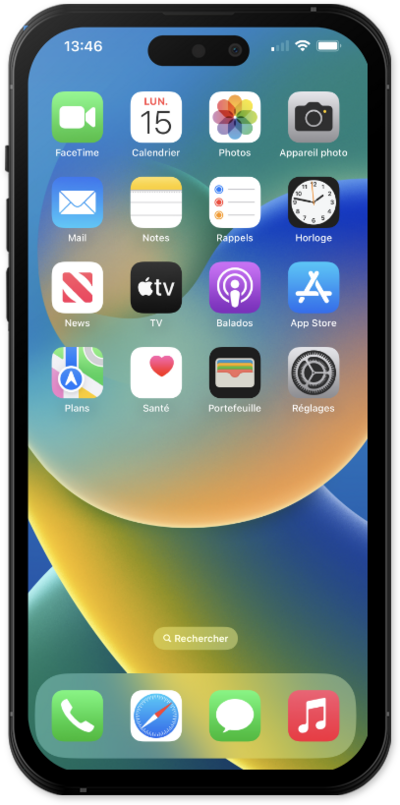
Use the clean up tool to remove unwanted objects from the background of your photos with Apple Intelligence.
1.
From Photos, select the image you want to clean up.
2.
Tap the Edit icon.
3.
Tap Clean Up.
If this is your first time using the Clean Up tool, you may need to wait while the tool downloads.
4.
Tap or brush your finger over objects you'd like to remove from your image.
5.
When you're finished, tap Done.
6.
You've completed the steps!
