Setting volume limits for your iPhone's speaker
iPhone 11 Pro Max
Setting volume limits for your iPhone's speaker
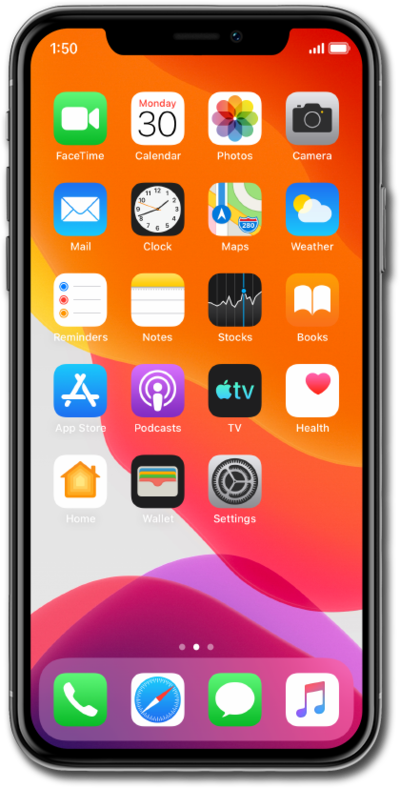
Discover where to set your speakers maximum volume limit.
1.
From the Settings app, scroll to and tap Sounds & Haptics.
2.
Scroll to and tap Volume Limit.
3.
Tap or Slide the Limit Maximum Volume switch to on.
4.
Drag the slider to the preferred maximum volume limit.
5.
You've completed the steps!
