Screening unknown numbers and spam
iPhone 17e
Screening unknown numbers and spam
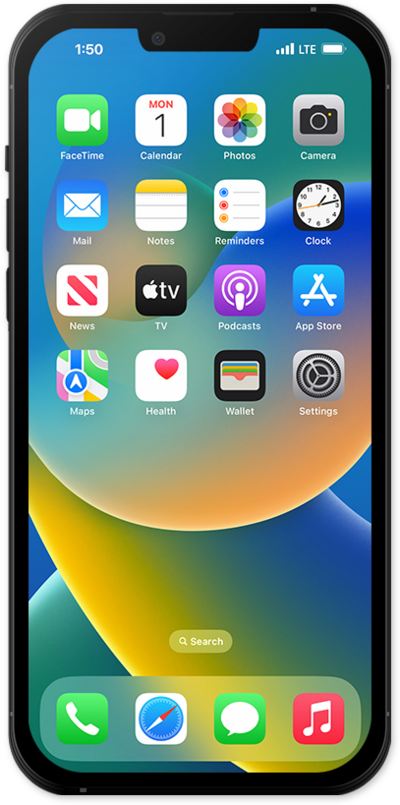
Learn how to use the Call Screening and Filtering features to automatically screen and filter your calls to help make informed decisions.
1.
From the Settings app, scroll to and tap Apps.
2.
Scroll to and tap Phone.
3.
Scroll to the Screen Unknown Callers section header.
4.
From this screen, you can choose how and when your iPhone will screen calls:
- Never - Calls from unsaved phone numbers will ring as normal, and will appear in your Phone app's Recents list.
- Ask Reason for Calling - Before your phone even rings, your iPhone will ask for more information from the caller when an unsaved number is calling. Once information is received your phone will ring as normal.
- Silence - Unsaved numbers will be silenced and sent to voicemail when they call. They will still show in your Recents list.
5.
To screen calls via Facetime, tap the Back icon to return to Apps settings.
6.
Scroll to and tap FaceTime.
7.
Scroll to and tap or slide the Silence Unknown Callers switch to ON.
This is similar to the Silence option for the Phone app, as shown in step 4.
8.
To filter unknown numbers and spam in your text messages, tap the Back icon to return to Apps settings.
9.
Scroll to and tap Messages.
10.
Scroll to Unknown Senders.
11.
Tap or slide the Screen Unknown Senders switch to ON.
12.
Tap Allow Notifications to view more options.
13.
You've completed the steps!
