Setting up an eSIM with a push notification after device setup
iPhone 17 Pro
Setting up an eSIM with a push notification after device setup
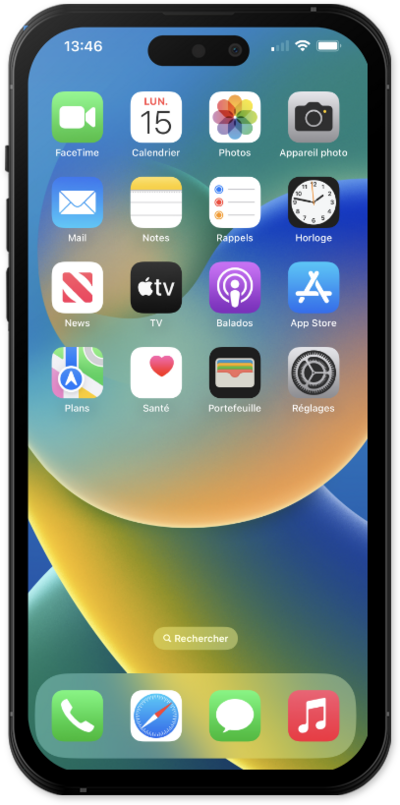
This tutorial walks you through the process of setting up an eSIM on your device using a push notification sent by your carrier. This guide shows you how to accept the notification, download the eSIM profile, and activate your mobile service quickly and securely—without scanning a QR code or manually entering details.
1.
From the Home screen, tap Settings.
2.
Tap Set Up Cellular.
3.
Tap Continue.
4.
Tap Done.
5.
Tap Cellular.
6.
You've completed the steps!
