Activating Wi-Fi calling
Moto G Stylus - 2025
Activating Wi-Fi calling
You can use Wi-Fi calling to make and receive calls in areas with limited or no cellular connectivity. If this option is not present on your device, or cannot be enabled, your carrier's network or your specific cellular plan might not support this feature.
1.
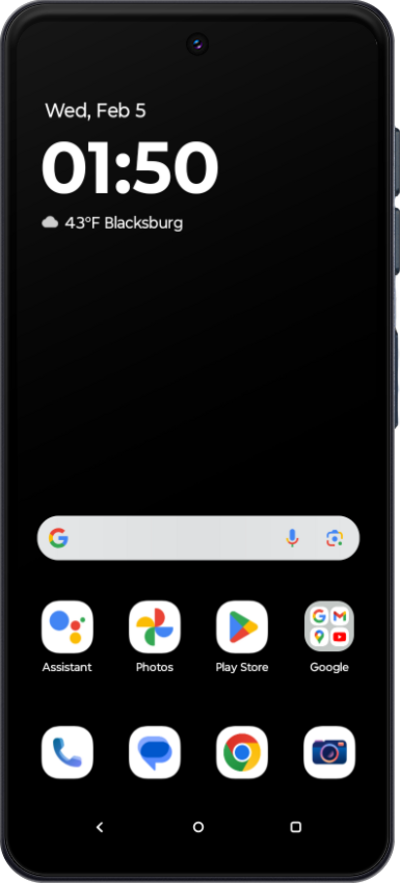
From the Home screen, tap the Phone icon.
2.
Tap the Menu.
3.
Tap Settings.
4.
Tap Calling accounts.
5.
Select your carrier.
6.
Tap Wi-Fi Calling.
7.
Tap or slide the Wi-Fi Calling switch to On.
If necessary, follow onscreen instructions to enter a US address for use in the event of an emergency call. You can update this address at any time.
8.
You've completed the steps!
