Finding your ICCID
Moto G - 2026
Finding your ICCID
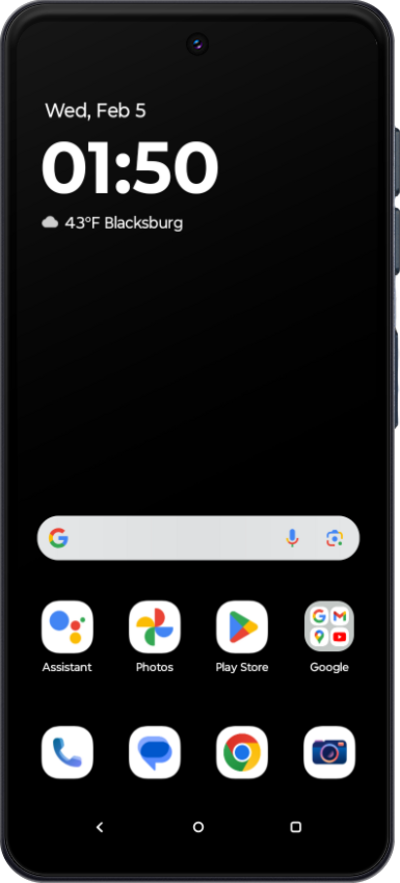
An Integrated Circuit Card Identifier or ICCID is a unique number assigned to your SIM. Follow along with this tutorial to easily locate your SIM’s ICCID.
1.
From within the Settings app, scroll to and tap About phone.
2.
Scroll to and tap Device details.
3.
Tap SIM card status.
Depending on your device's screen size and screen zoom settings, you may need to scroll down to find your ICCID.
4.
You've completed the steps!
