Setting up your second cellular plan with an eSIM
Moto G - 2025
Setting up your second cellular plan with an eSIM
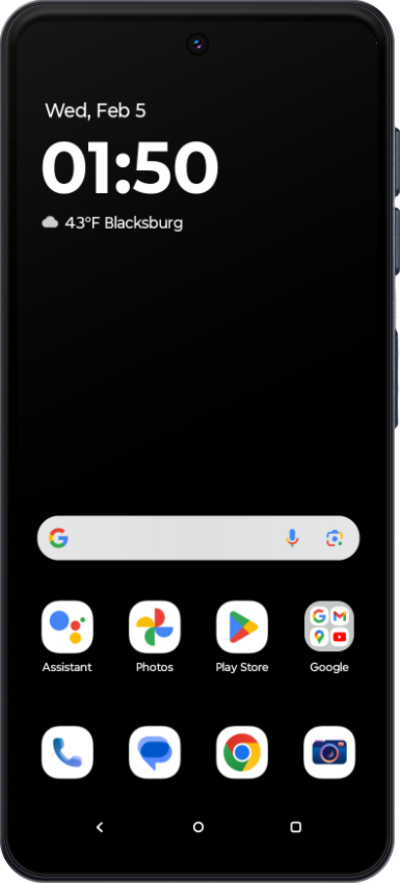
Adding a secondary eSIM alongside a physical SIM or eSIM allows you to quickly switch between two cellular plans and/or carriers for voice or data.
1.
From the Settings app, tap Network & internet.
2.
Tap SIMs & mobile network.
3.
Tap Download new SIM.
4.
Tap Set up an eSIM.
You may see a slightly different screen if your phone is already using an eSIM.
5.
Place the QR code provided by your carrier within the camera frame.
Your Device's camera automatically detects QR codes. If your carrier didn't provide a code, you may need to use their app to purchase a cellular plan.
6.
Tap Set up.
7.
Tap Settings.
8.
Select the eSIM that was just added.
9.
Tap or slide the Use this SIM switch to ON.
10.
Tap Turn on.
11.
You've completed the steps!
