Adding folders to the Home screen
Radiant Max
Adding folders to the Home screen
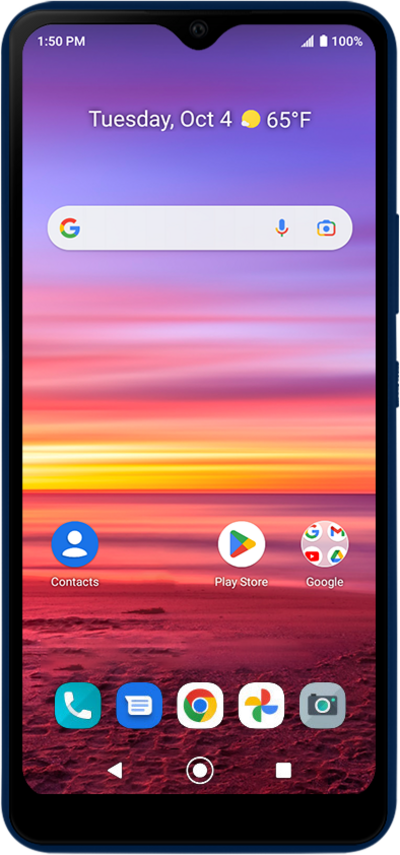
Combine apps into folders so they are in easy to manage app groups. You can name app folders to for help organize them.
1.
From the Home screen, touch and hold an app.
2.
Drag the app on top of another app.
3.
Tap the folder.
4.
Tap the Unnamed folder field.
5.
Enter a name for the folder.
6.
Tap the Check mark key.
7.
Tap outside the folder to save your changes.
To remove an app from the folder, touch and hold an icon, and then drag it out of the folder.
8.
You've completed the steps!
