Changing your mobile device number
iPhone 15 Pro
Changing your mobile device number
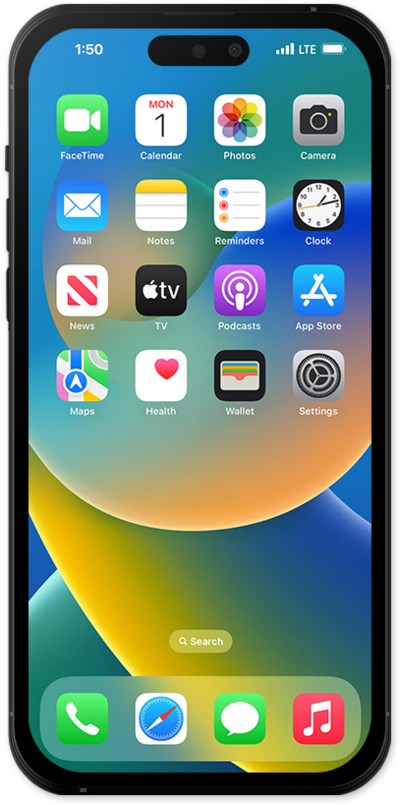
Learn how to change the mobile/home phone number and area code for a device on your account.
1.
From the Services tab, select the device you'd like to view.
2.
Tap Manage.
3.
Scroll to and tap Change phone number.
4.
Tap ZIP code.
You can also choose to search for a new number by area code, city, or state.
5.
Enter in your zipcode and tap Search for available numbers.
6.
Choose a new phone number and tap Select.
7.
Tap Change my number.
8.
You've completed the steps!
