Set Up Voicemail
Cingular Flip 2 (4044O)
Set Up Voicemail

Set up voicemail on your phone.
-
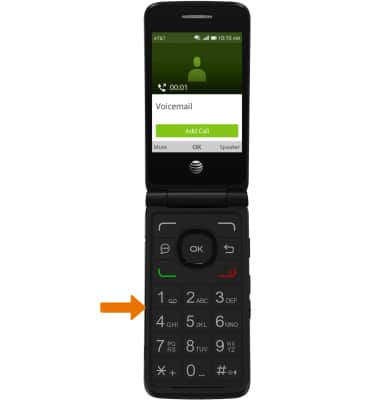
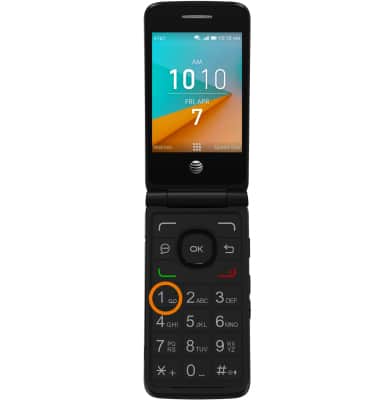
SET UP VOICEMAIL: Press and hold the 1 button.
-
Enter your current voicemail password and follow the prompts. Your existing voicemail greeting and messages will transfer to your new phone.Note: View Access Voicemail for tips to manage voicemail. Go to Troubleshoot Voicemail for solutions to common voicemail problems.